How to use Daktalink
A practical guide to get the most from symptom checks, directories, learning tools, and optional telemedicine.
New here?
Follow the sections below step by step, or open the quick welcome tour anytime.

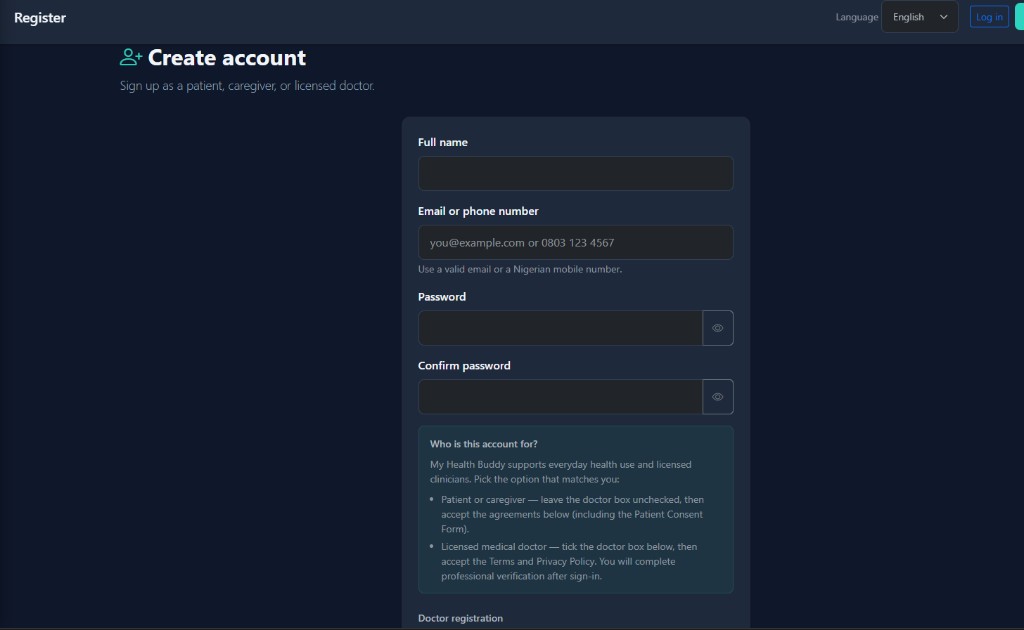
1. Get started
You can browse some content without an account, but signing in saves your history and unlocks personal tools.
- Tap the menu (☰ on mobile) to see all features available on your account.
- Choose your language at the top of the page — English, Hausa, Yoruba, Igbo, Pidgin, or Arabic.
- In the footer, switch theme (light/dark), turn on Simple words for plainer language, or use low-data mode on slow networks.
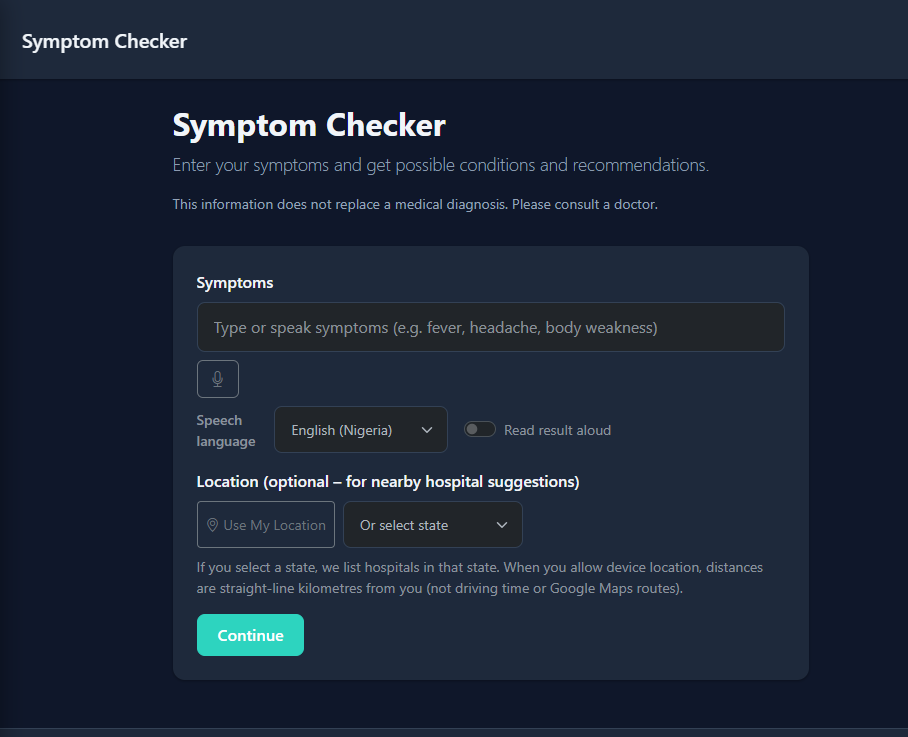
2. Check symptoms safely
Use Check My Symptoms for guided questions. You get information and next steps — not a diagnosis.
- Describe what you feel in plain language. Answer each question honestly.
- Read the result carefully: possible causes, what to do now, and when to seek urgent care.
- When signed in, your checks are saved under My Checks so you can review them later.
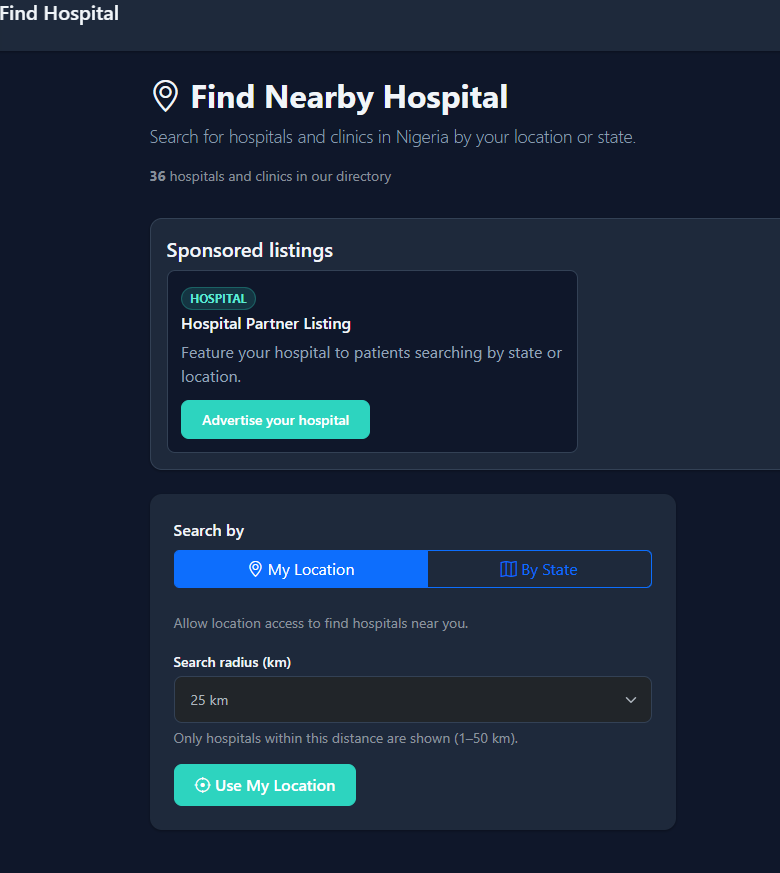
3. Find care near you
Directories help you locate facilities. Listings are for information — always confirm by phone before you travel or pay.
- Find a Hospital — hospitals and clinics by state or location.
- Pharmacies — medicine outlets (when enabled for your region).
- Laboratories — labs for tests (when enabled).
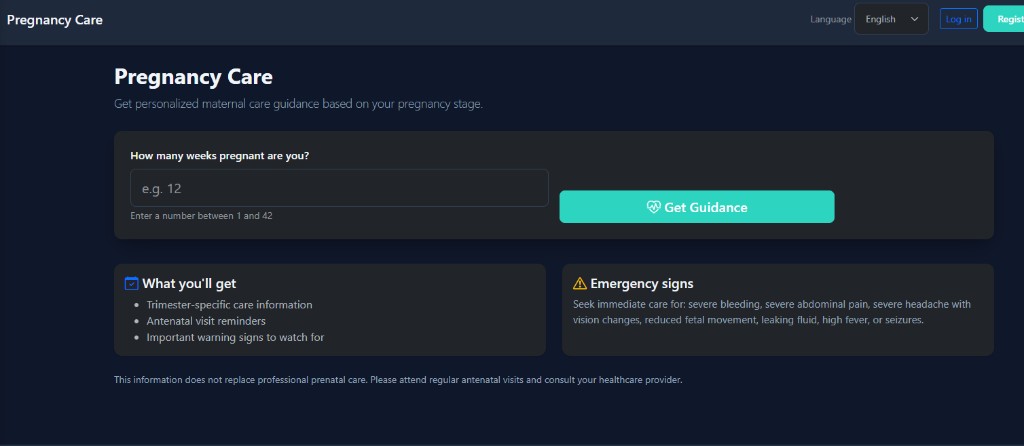
4. Learn and build healthy habits
Education and small daily actions help you stay prepared between clinic visits.
- First Aid — step-by-step help for common emergencies.
- Health Education — diseases, prevention, and journeys.
- Daily tips & check-in — short wellness prompts when your account has them.
- Pregnancy Support — week-by-week guidance if you are expecting.
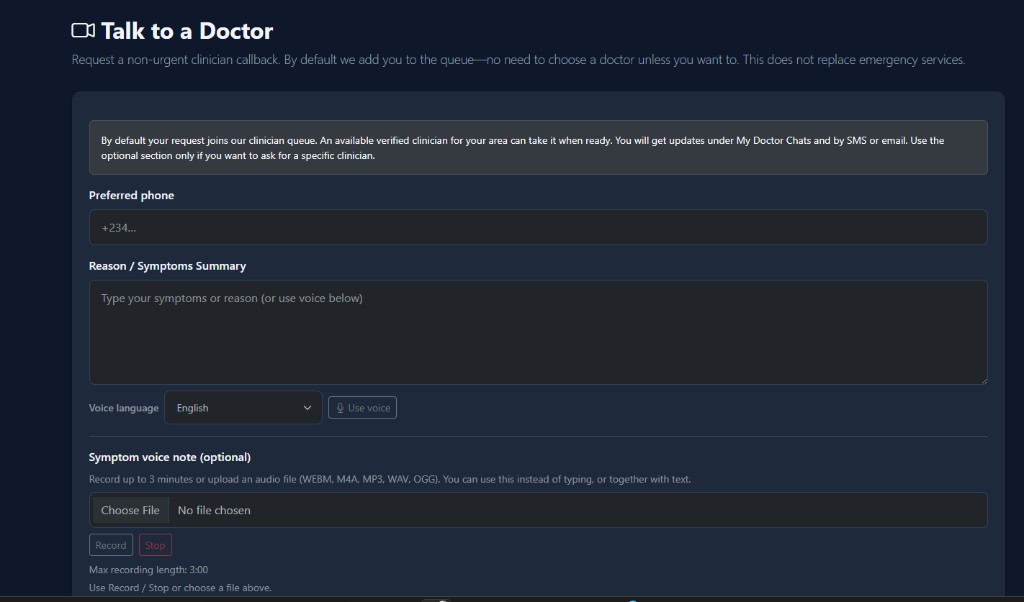
5. Talk to a doctor (when available)
Telemedicine lets you request a consult with a verified doctor. You may need an active subscription.
- Open Talk to a Doctor and describe your concern clearly (text or voice note).
- Follow messages in My Doctor Chats until the consult is complete.
- Use Test Results Help for plain-language lab explanations — it does not replace your doctor.
6. Your account & records
After you sign in, open your profile from the menu to manage personal details and health tools.
History & files
My Checks, My Health Files, and reminders keep your information in one place.
Safety & contacts
Add an emergency contact for distress alerts. Review privacy and consent in your profile settings.
7. Tips for effective use
- Emergencies first — the app is not a substitute for ambulance or ER care.
- Confirm facilities — call ahead to verify hours, services, and costs.
- Be accurate — better answers lead to more useful guidance.
- Keep learning — revisit tips and first aid before you need them.
- Ask for help — use Contact or Report issue if something does not work.